Raul Cabanellas

CSCI 496: Senior Portfolio
In partial fulfillment of the requirements for the degree of Bachelor of Science in Computer-Science (class of 2026)
View My Resume
Minesweeper captcha
- Class: OBJECT-ORIENTED PROGRAMMING
- Grade: A
- Language(s): java
- Source Code Repository: Minefield
(Please email me to request access.)
Project description
This was the first team project introduced to the students. The project was meant for the students to get familiar with working in groups as well as utilize knowledge from the course. The team needed to come up with an idea for the project that would be written in java and had a GUI. The team came up with the idea to make an annoying captcha before the user can attempt to login. We decided to base the captcha on Minesweeper with the added difficulty of no numbers. Although the captcha is not really effective, the instructor had encouraged the class to be creative and come up with something fun. For this project I handled creating the logic of the Minesweeper game itself. Another member created the designs of the icons and layouts of the various screens. The team lead created the command line instructions. While the last member handled creating the login logic.
How to compile and run the program
Have Apache Netbeans IDE Installed
Import Project Folder Into Netbeans
Run the Project In the IDE
Type Commands In Command Line To Start GUI
UI Design
Once the user starts the program an animation using command line output will occur. The user will then be prompted to start the game by entering s in the command line. The instructions will be stated then prompted to enter c in the command line. (see Fig 1). The GUI will then open after and the start screen will appear, where the user can press the start game button (see Fig 2). Then the board will appear, the user will be able to add flags or remove flags using the flag buttons. The user will be able to click on the tiles to clear them. (see Fig 3). Should the user click on a bomb tile they will have to either reset the board using the reset button or exit using the exit button (see Fig 4). After clearing all tiles except the bomb tiles, the users will now have the option to select the next button to move onto the login screen (see Fig 5). The login screen will allow the users to input the credentials in the two fields (see Fig 6).
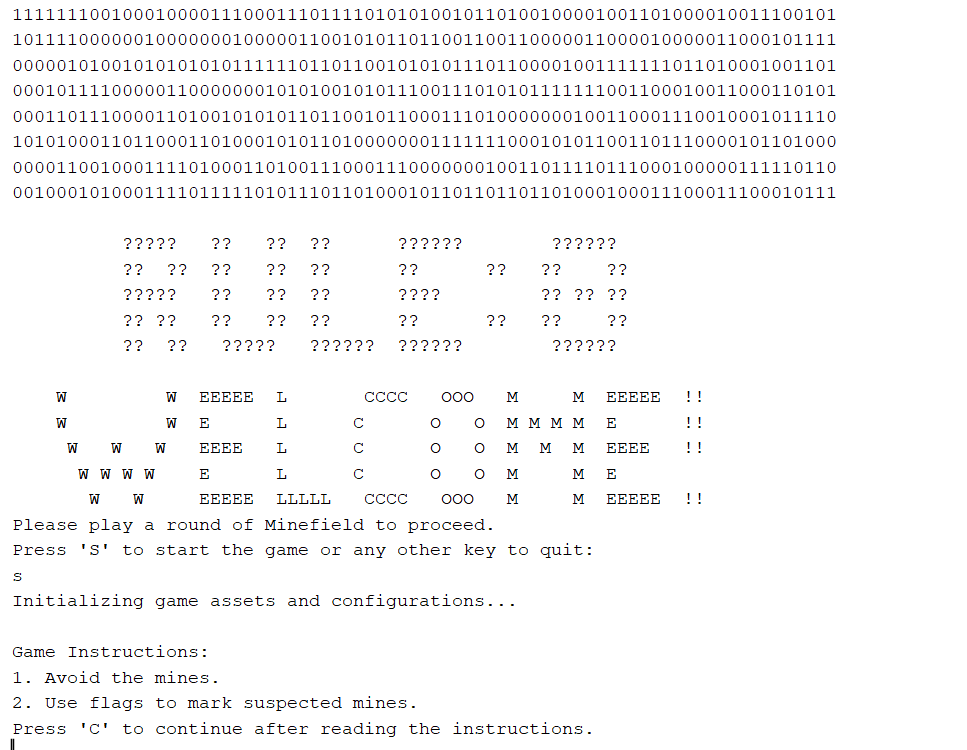
Fig 1. The command line start
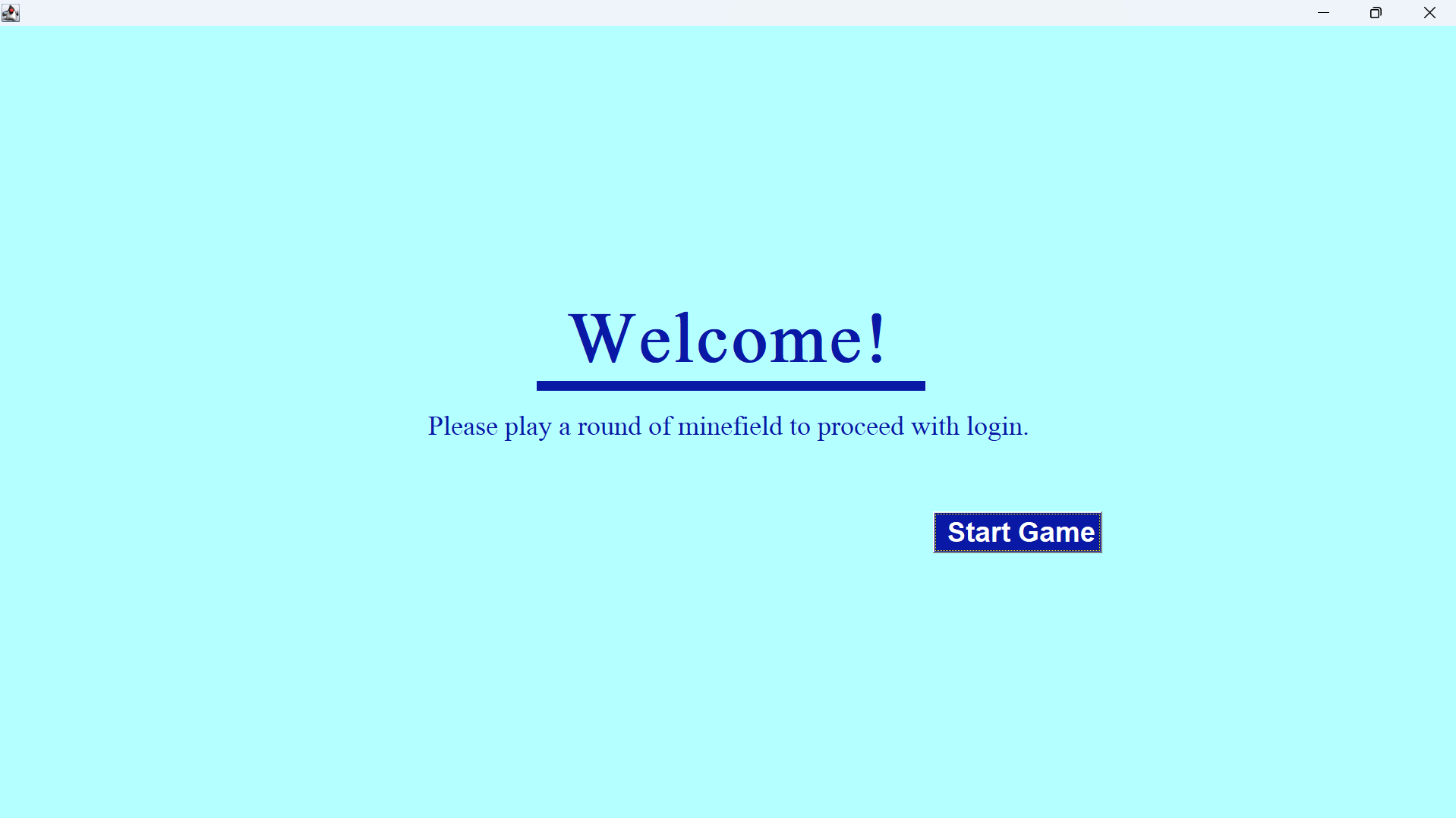
Fig 2. The launch screen after command line
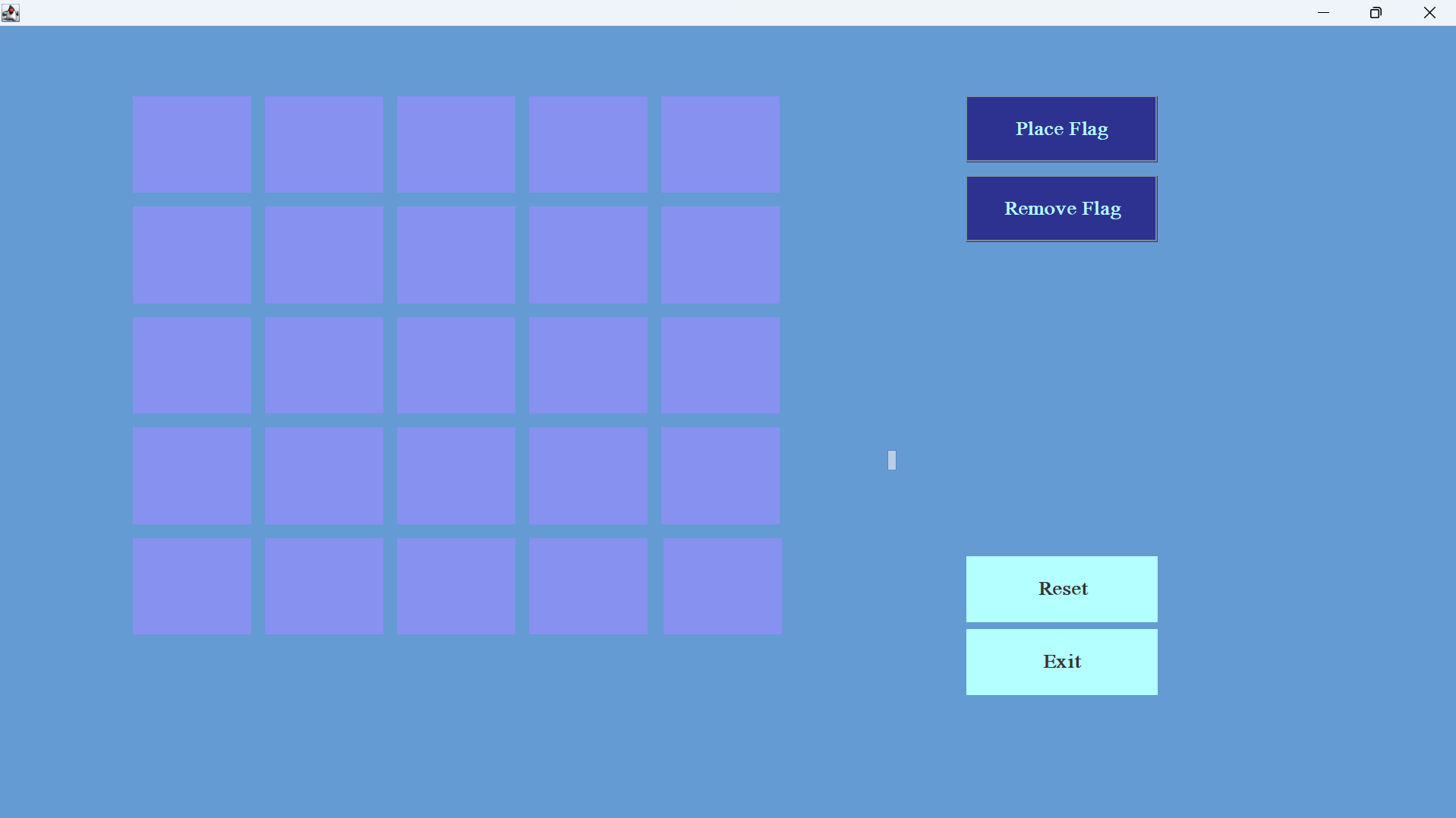
Fig 3. The captcha screen
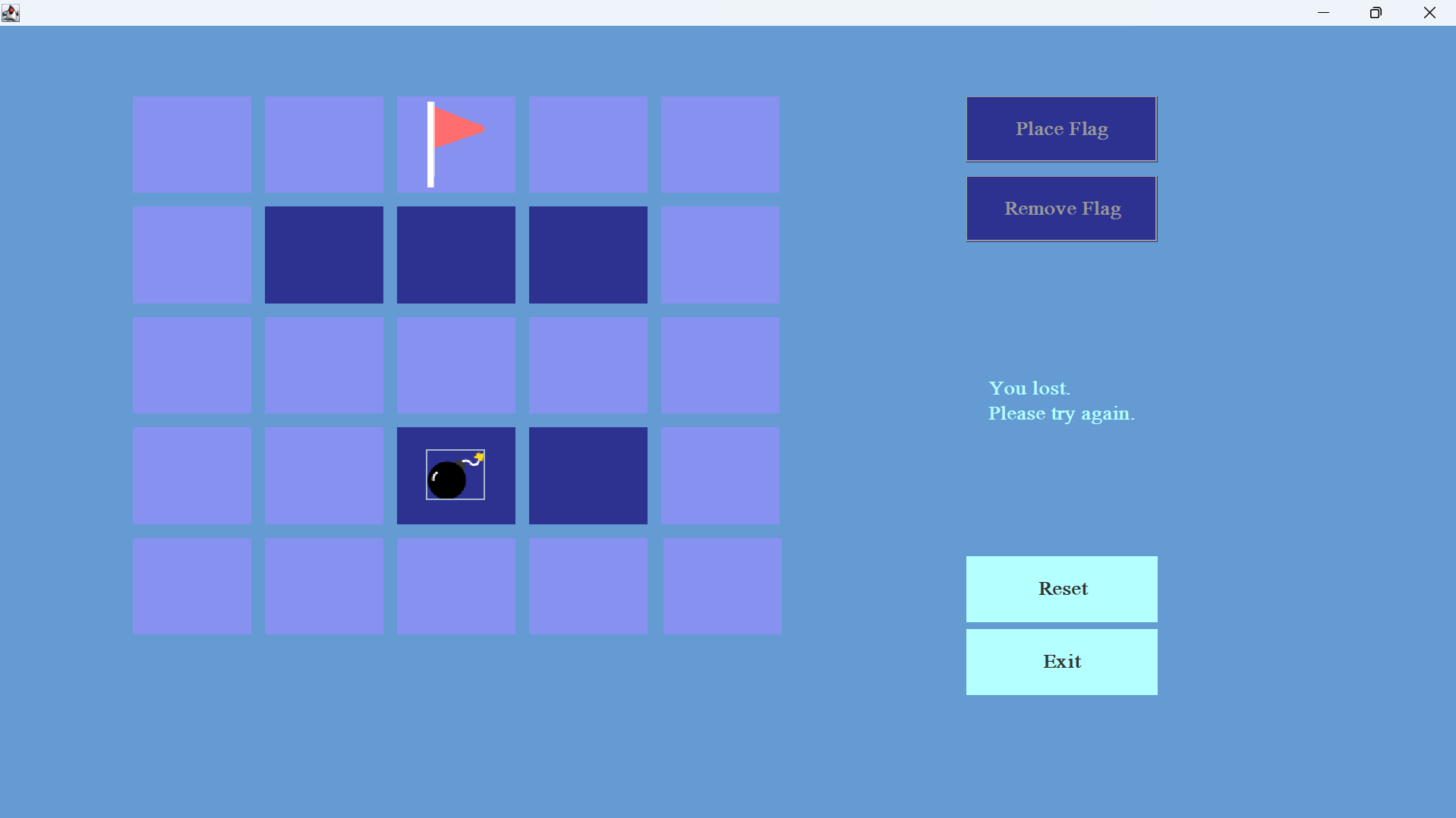
Fig 4. A Failed attempt at the captcha
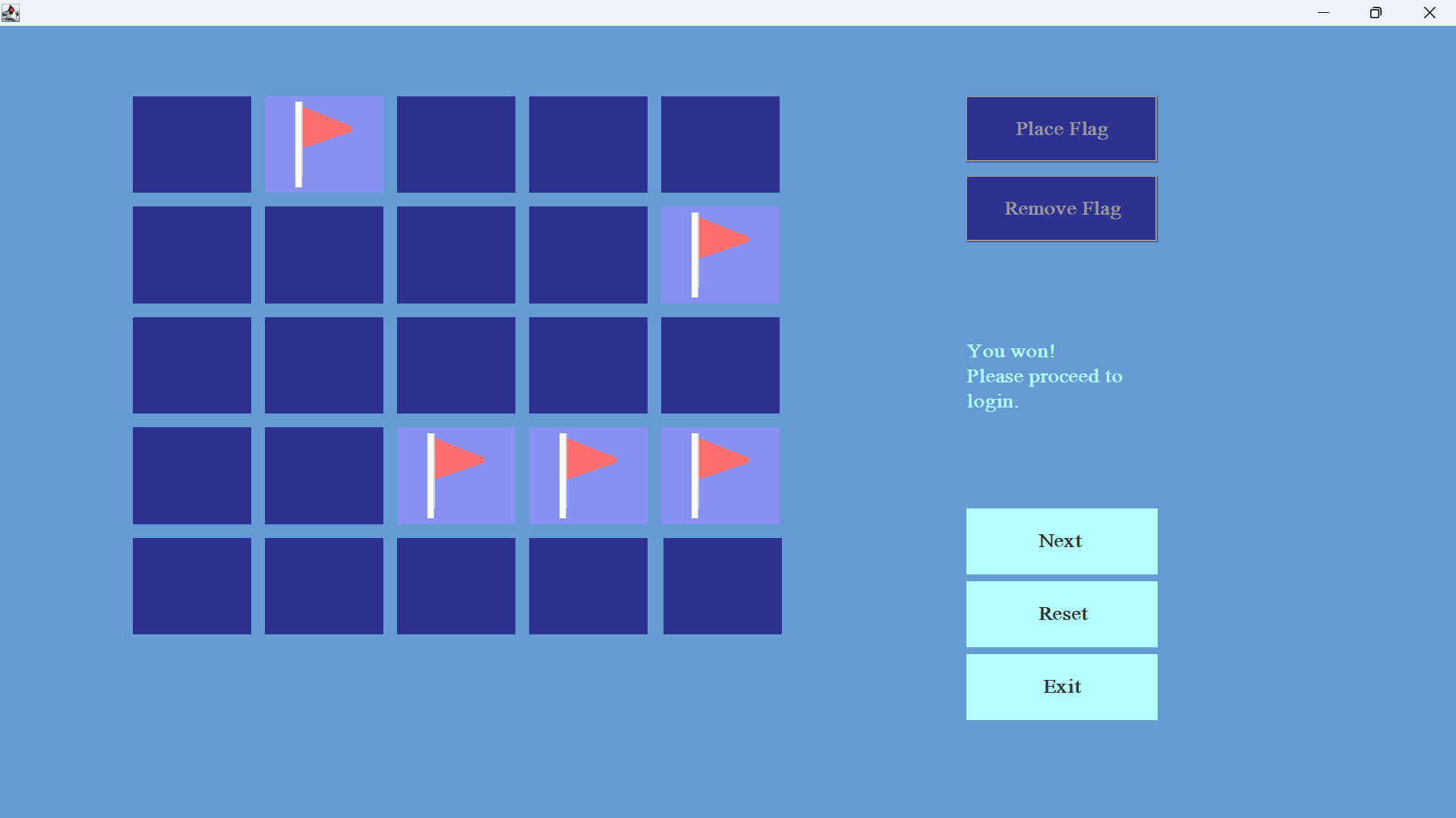
Fig 5. A Passed attemp at the captcha
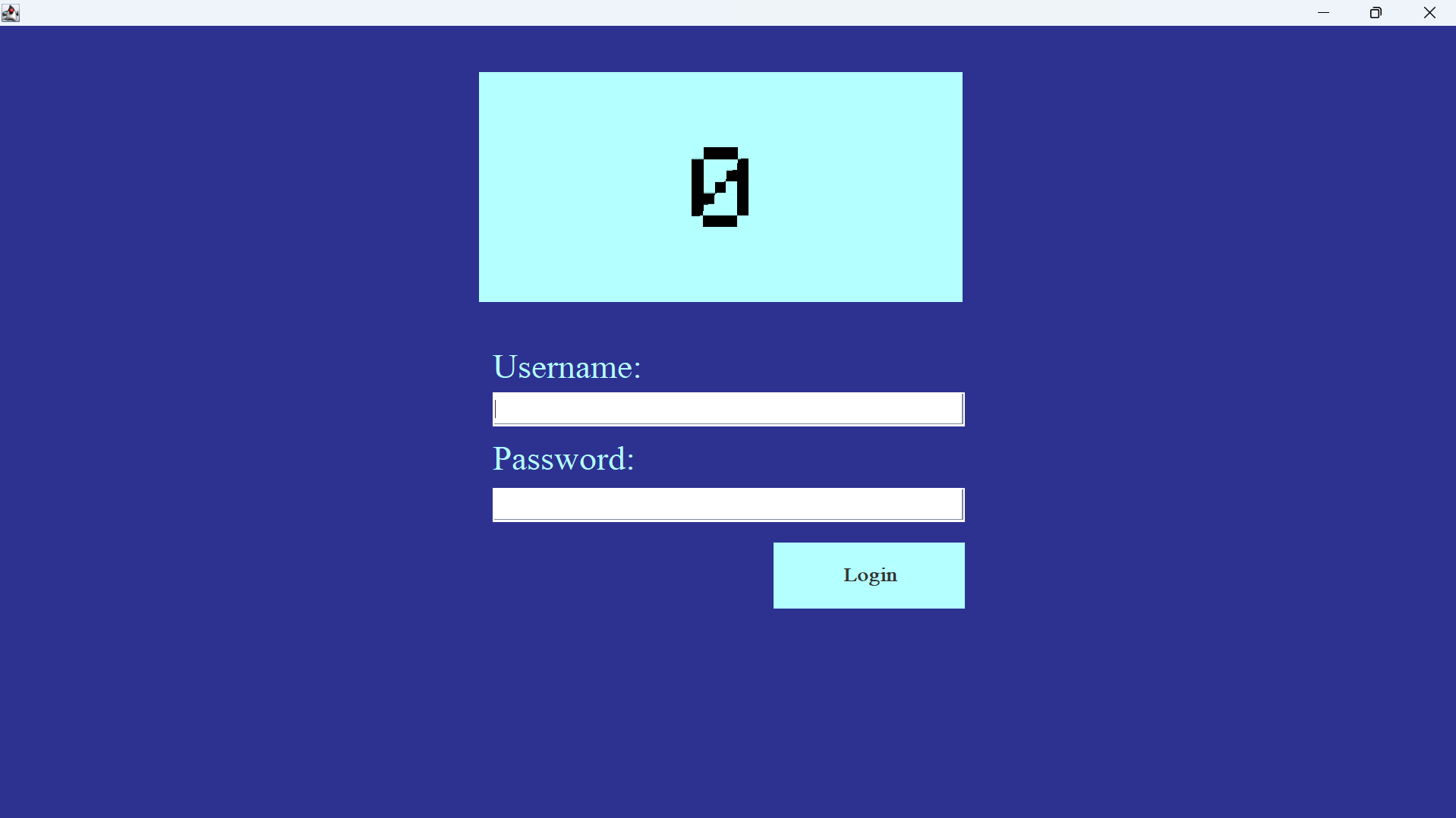
Fig 6. The login screen after the captcha